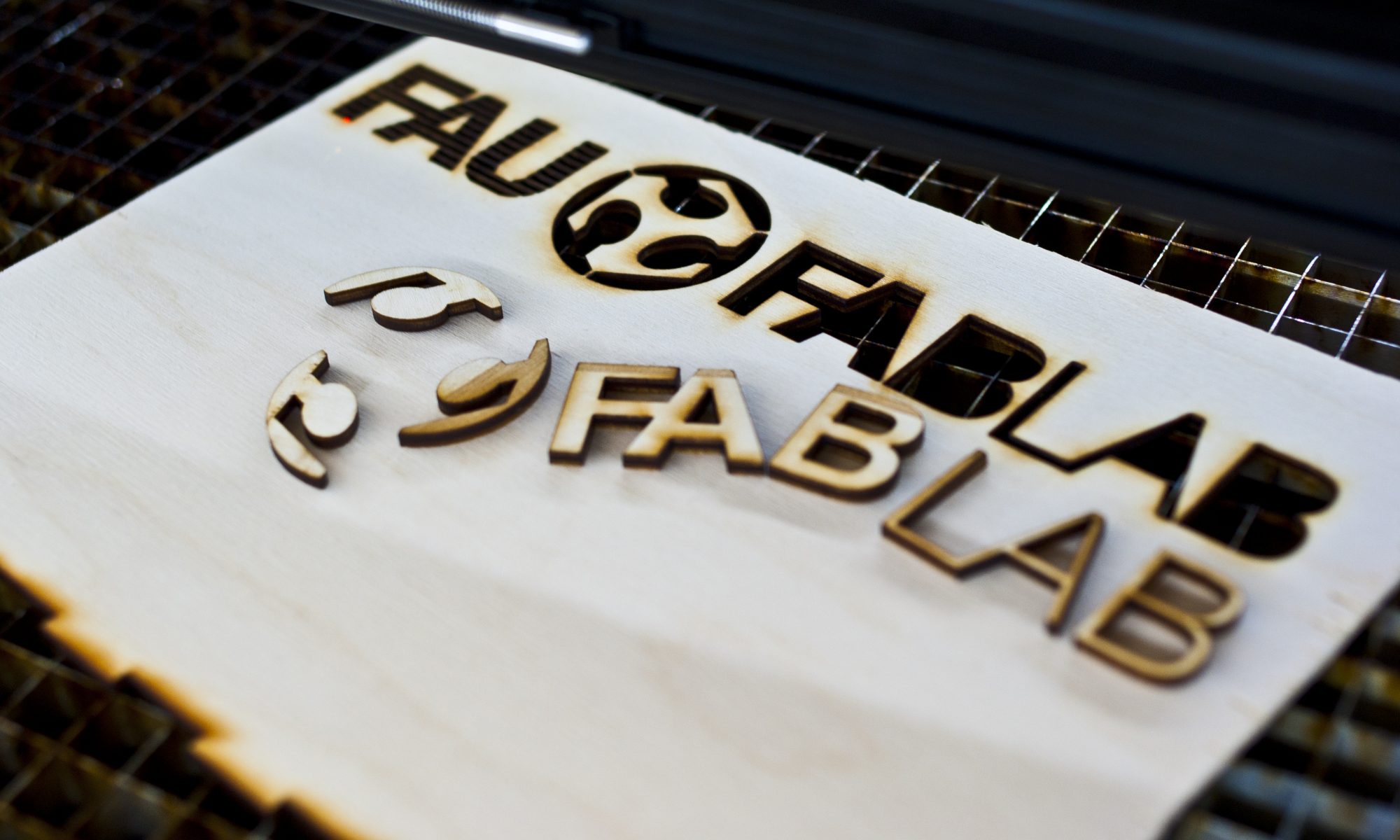

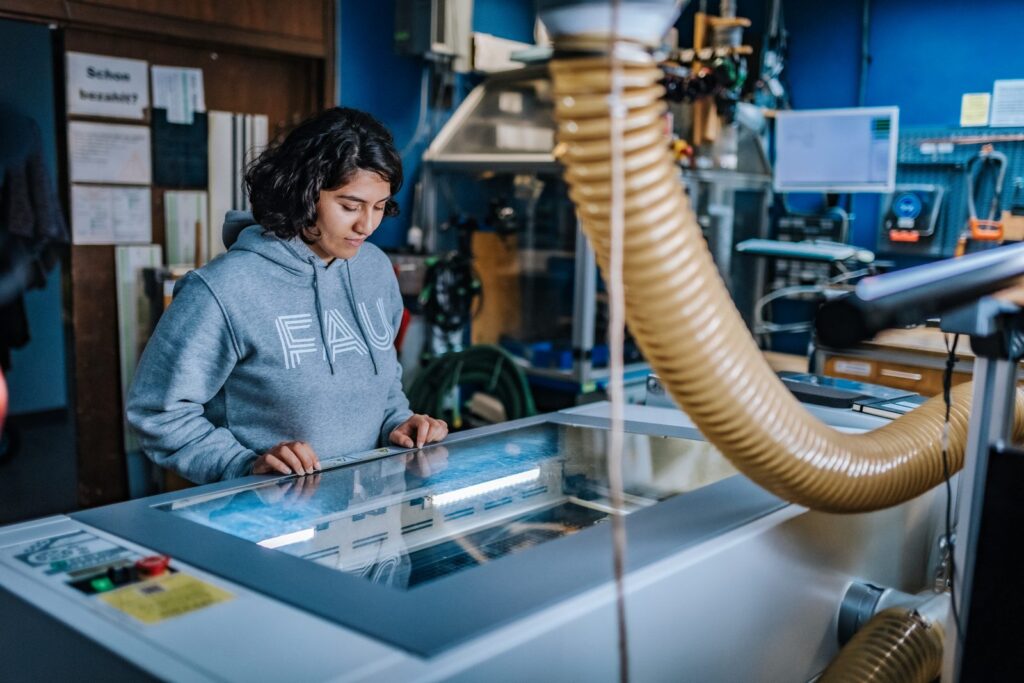
Der Lasercutter (LTT iLaser 4000) schneidet und graviert computergesteuert viele Materialien auf einer Arbeitsfläche von 1000 x 600 mm.
Schneide und graviere Acryl, Sperrholz und mehr präzise nach deinen eigenen Zeichnungen. Laubsägearbeit war gestern, heute gibt es den Lasercutter!
Lies dir am besten vorher die Einweisung durch. Bei der ersten Benutzung erklären wir dir den Lasercutter dann noch einmal.
Was ist möglich?
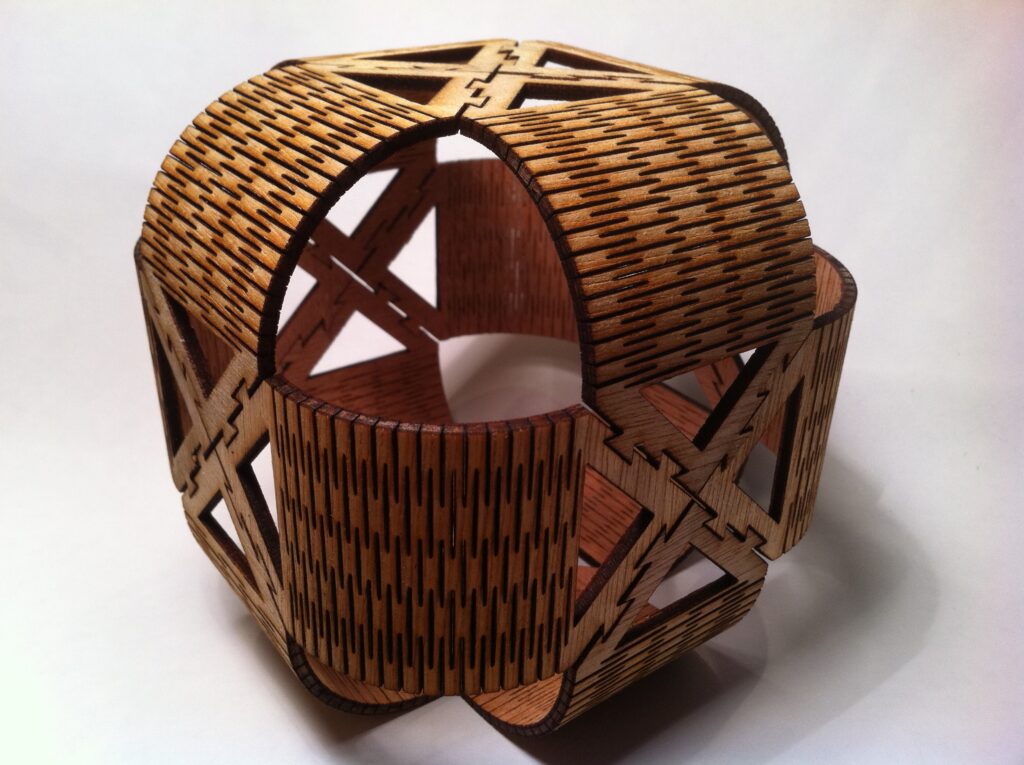
- Gehäuse, Halterungen und Stecksysteme aus Acryl oder Sperrholz
- Gravuren auf Holz, Acryl, Papier und Karton: Fotos, Logos, Schriftzüge
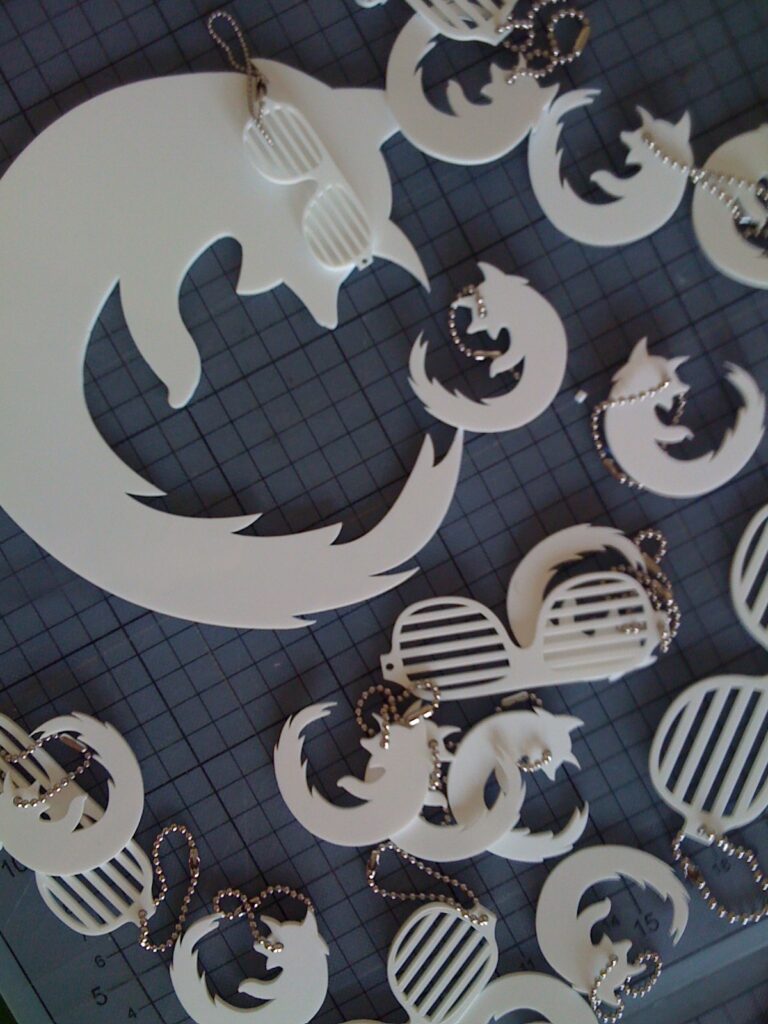
- Schilder, Schlüsselanhänger, Geschenke und Dekoration
- Prototypen und Modelle, zum Beispiel aus Balsaholz oder Fotokarton
- Gravur auf Metall mit Cermark, einer Gravurpaste. Metalle schneiden ist mit unserem Lasercutter nicht möglich, egal welche Stärke.
Dein Entwurf exakt aufs Material: Kamera-gestütztes Ausrichten
Über dem Laserbett erstellt eine Kamera mithilfe von Markern ein entzerrtes Bild des Laserbetts. VisiCut zeigt dieses Bild im Arbeitsbereich an, sodass du schon vor dem Start siehst, wo dein Material liegt, und deine Grafik per Maus genau dort platzierst, wo gelasert werden soll.
- Reste und angebrochene Platten optimal ausnutzen
- Auf vorbedrucktes oder bereits bearbeitetes Material exakt gravieren oder schneiden
- Weniger Verschnitt, weniger Probeschnitte und damit weniger Zeit an der Maschine
Materialien
Gut geeignet und bei uns zu kaufen sind folgende Materialien:
- Acryl GS (gegossen, besser zu gravieren, hat dafür mehr Dickentoleranz)
- Acryl XT (extrudiert, nicht so gut zu gravieren, dafür genauere Dicke)
- Holz (insbesondere Sperrholz und Balsaholz)
- Fotokarton und Papier
- Overheadfolie
Welche Materialien genau bearbeitet werden dürfen und insbesondere welche nicht, steht in der Liste im Abschnitt Materialien in der Einweisung. Außerdem findest du im Wiki noch gesammelte Erfahrungen.
Dateiformate
- Nur Gravieren: beliebige Bildformate (PNG, JPG)
- Schneiden und Gravieren: Schnittlinien müssen als Vektorgrafik (Pfad, Kurve) vorliegen, nicht als Pixel (Bitmap, Bild). Geeignet sind Inkscape SVG, Corel Draw X5 / X6 CDR, Adobe Illustrator und 2D-CAD-Zeichnungen im DXF-Format (erstellt z.B. mit Creo, ProE).
- Alles andere bitte beim Mitbringen als SVG oder PDF exportieren. Mit dem kostenlosen Inkscape geht das am einfachsten.
Bitte beachte dazu die weiteren Hinweise in der Einweisung (Liniendicke usw.).
Kosten
Jede Minute, die der Lasercutter lasert, kostet einen kleinen Betrag. Er deckt Verschleiß und Wartung der Maschine. Wer den Laser außerhalb der Öffnungszeiten exklusiv für sich haben möchte, kann das auf Anfrage tun.
Außerdem verkaufen wir für den Laser geeignetes Material. Acryl gibt es neben ganzen Platten auch in Viertel- und Halbplatten. Die Preise stehen in der Preisliste für Laserzeit und Lasermaterial.
Wenn du eigenes Material mitbringst, zahlst du nur die Laserzeit. Prüfe vorher bitte die Eignung in der Materialliste der Einweisung, denn nicht alle Materialien sind lasergeeignet.
—- English version —-
The laser cutter (LTT iLaser 4000) cuts and engraves many materials under computer control, on a work surface of 1000 x 600 mm.
Cut and engrave acrylic, plywood and more precisely from your own drawings. Fretwork was yesterday, the laser cutter is today!
Briefing Laser Cutter (in German, an English version will follow)
We recommend reading the briefing beforehand. We will also walk you through the machine on your first visit.
What is possible?
- Enclosures, brackets and slot-together designs in acrylic or plywood
- Engraving on wood, acrylic, paper and cardboard: photos, logos, lettering
- Signs, keychains, gifts and decoration
- Prototypes and models, for example in balsa wood or photo card
- Engraving metal with Cermark, an engraving paste. Cutting metal is not possible with our laser cutter, whatever the thickness.
Place your design exactly: camera-assisted alignment
A camera above the laser bed uses markers to create a rectified image of the bed. VisiCut shows this image in its workspace, so before you start you can see exactly where your material lies and drag your artwork to the spot where it should be lasered.
- Make the most of offcuts and partly used sheets
- Engrave or cut precisely on pre-printed or already processed material
- Less waste, fewer test cuts and less time at the machine
Materials
The following materials are well suited and we have them in stock:
- Acrylic GS (cast, easier to engrave, but with more thickness tolerance)
- Acrylic XT (extruded, not as easy to engrave, but more precise thickness)
- Wood (especially plywood and balsa wood)
- Photo cardboard and paper
- Overhead transparency foil
Which materials may and may not be processed is listed in the materials section of the briefing (in German). You can also find collected experiences in the wiki.
File formats
- Engraving only: any image format (PNG, JPG)
- Cutting and engraving: cutting lines must be vector graphics (SVG, CDR, AI, DXF, or PDF), not bitmaps. Engravings can be in any image format.
Please check the hints in the briefing (in German) regarding line width etc.
Costs
Every minute the laser cutter is running costs a small fee that covers wear and maintenance. If you would like to have the laser exclusively for yourself outside opening hours, this is possible on request.
We also sell material suitable for the laser. Acrylic is available as full sheets as well as quarter and half sheets. You will find the prices in the price list for laser time and materials (in German).
If you bring your own material, you only pay for the laser time. Please check beforehand in the briefing whether your material is suitable, as not all materials can be lasered.